Connected Vehicle, Asset and Telematics Intelligence
Turn GPS and IoT device data into operational control.
Vehicles, equipment and field assets often already have GPS or IoT devices, but their data sits in separate tracking portals. Intelomatic brings live location and telemetry into one map-based view, adds geofence, route and exception intelligence, and updates your ERP, TMS, fleet or operations systems.
The challenge
Device data stays in separate tracking portals, disconnected from ERP, TMS, fleet-management and operations systems. Teams can see a vehicle on a map but struggle to act on route deviations, idle assets, geofence exceptions or delays.
Device data remains in separate tracking portals
Route, geofence and idle-time exceptions are seen too late
Operations teams lack one connected operational view
How Intelomatic turns device data into operational control
From raw GPS and IoT sensors to map visibility, real-time exception intelligence, and core enterprise updates.
Map visibility uses the Map SDK. Route Intelligence APIs support planned-versus-actual trip analysis. Vehicles, equipment and assets appear in one view.
Business outcomes
What operations teams gain.
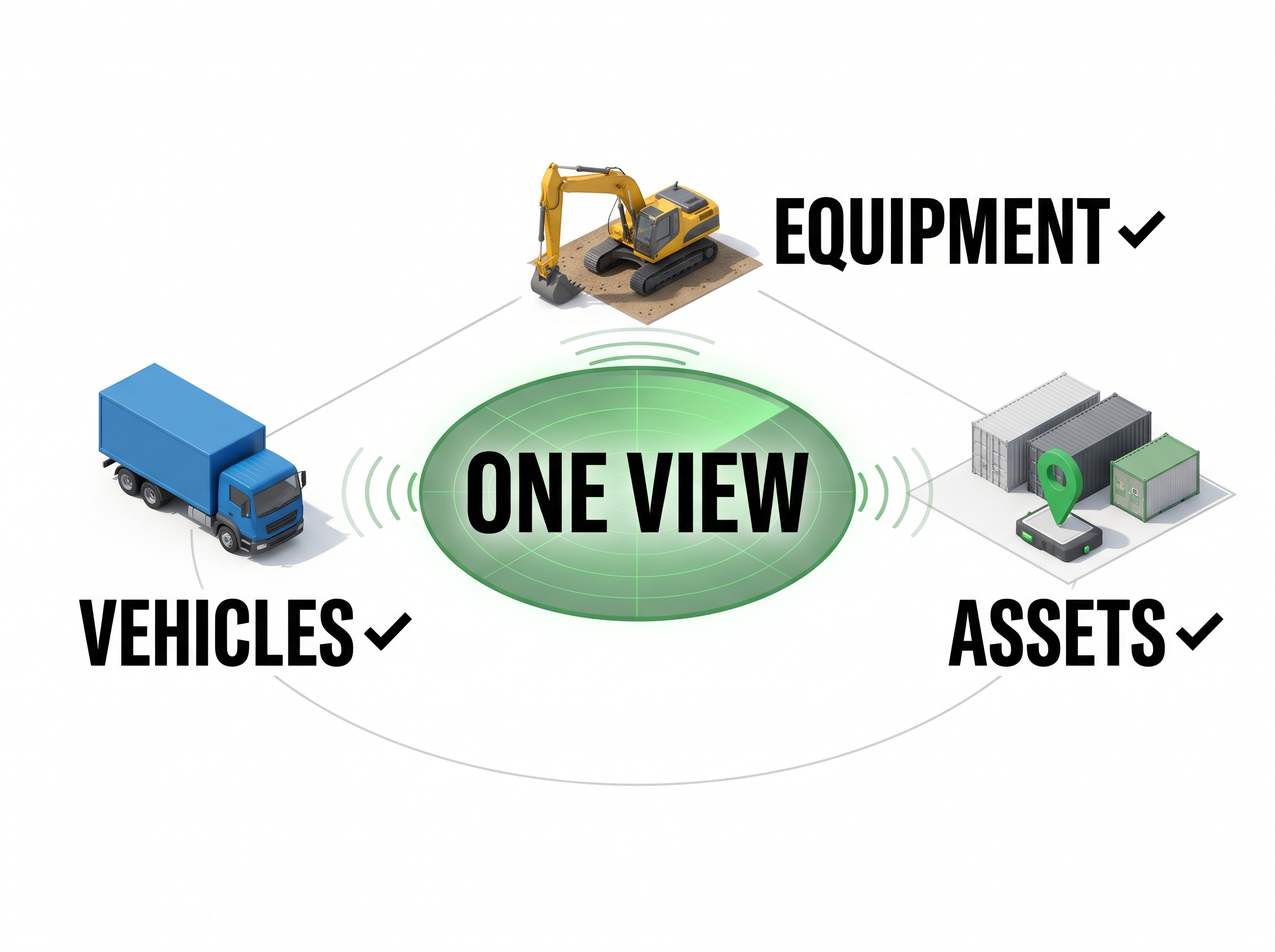
One view across vehicles, equipment and assets
Bring device data from vehicles, equipment and assets into one operational view.
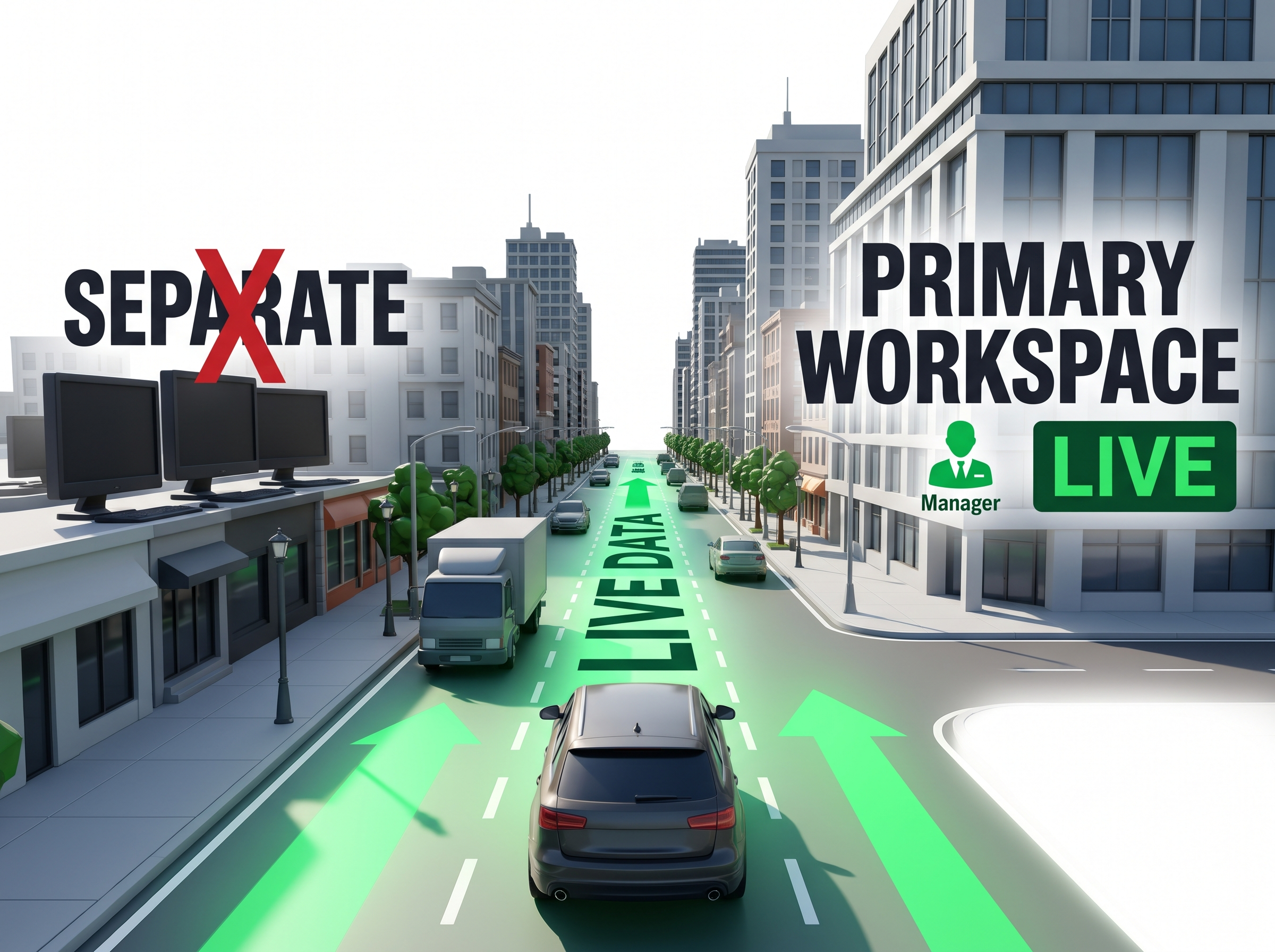
Reduced dependence on separate tracking dashboards
Reduce the need to switch between tracking dashboards.
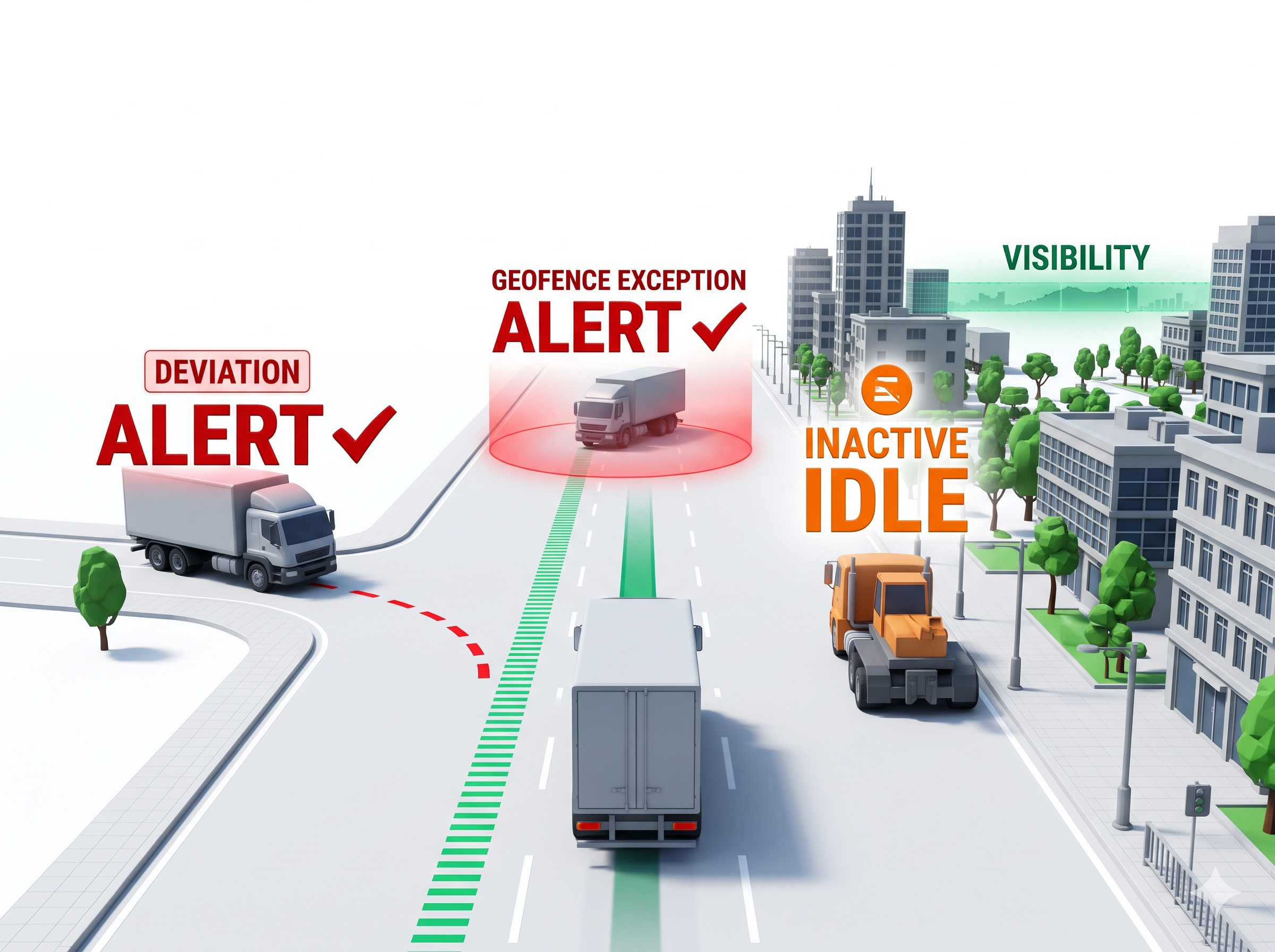
Faster identification of operational exceptions
Identify route, geofence and idle-time exceptions faster.
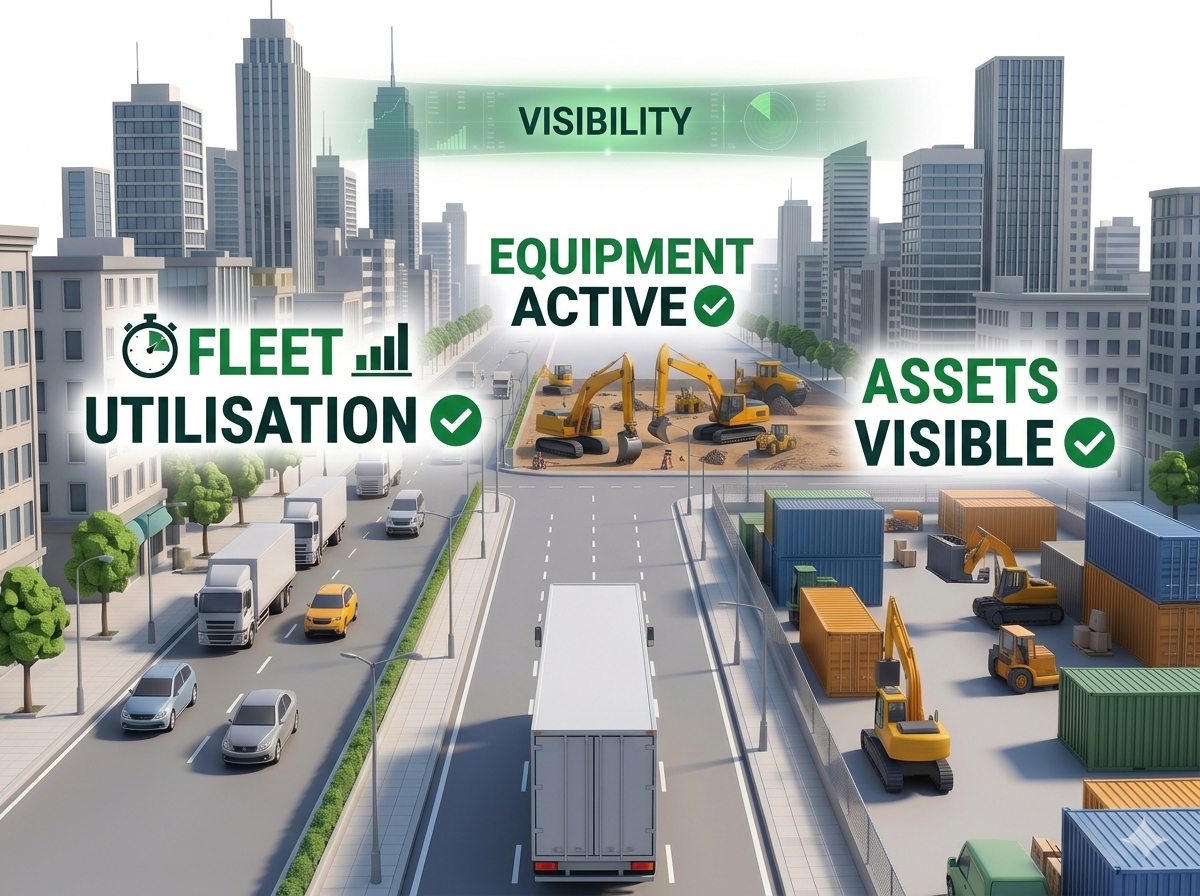
Better utilisation visibility
See how vehicles and equipment are used, active and idle.
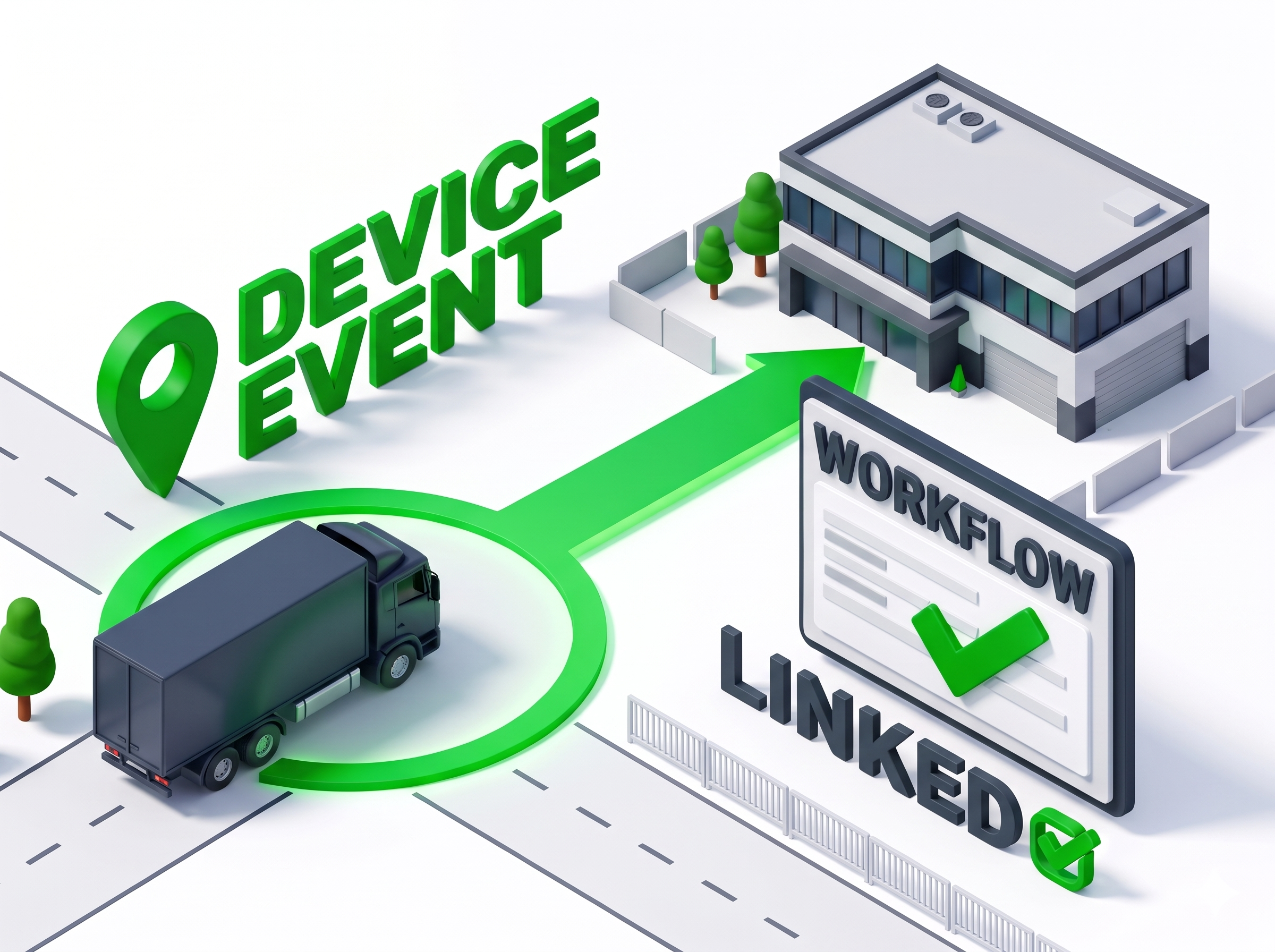
Device events linked to workflows
Send device events to your ERP, TMS or operations workflows.
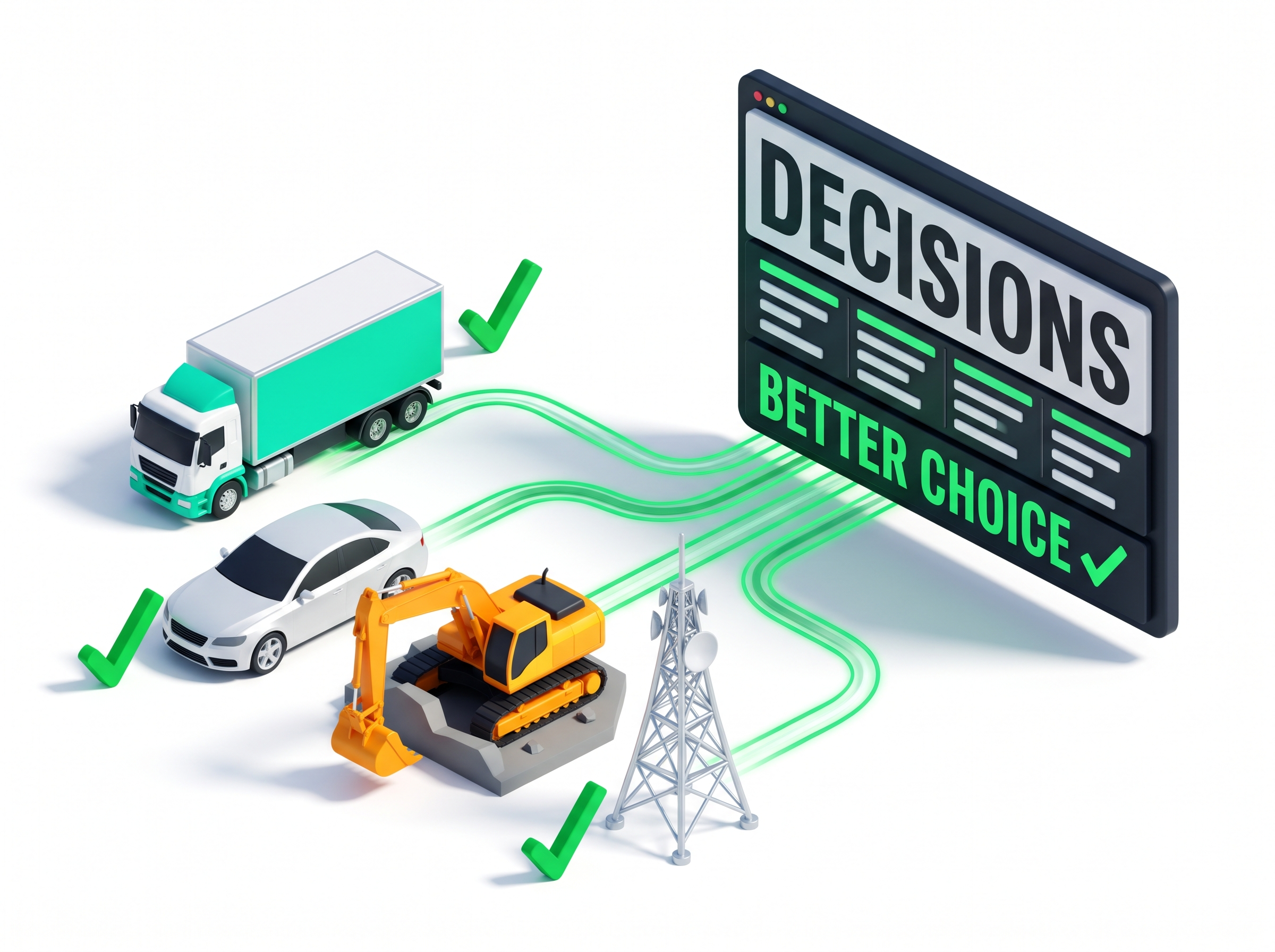
Better trip and route control
Compare planned and actual trips to see route differences.
KPIs to track for connected vehicles and assets
Core operational metrics measuring fleet visibility, exception resolution, asset utilisation, and workflow linkage.
- Assets visible in one operational view
- Route and geofence exception rate
- Asset idle time and movement frequency
- Planned vs actual trip distance
- Vehicle or equipment utilisation rate
- Time to resolve an exception
- Device events linked to workflows
Powered by
The core Intelomatic location platforms, SDKs, and APIs powering connected vehicle and asset telematics:
Telemetry ingestion, live map visibility, and route and geofence exceptions for GPS and IoT devices.
Interactive maps with live asset markers and history of movement.
Circular and polygonal geofences and entry and exit events.
Distance, travel time and planned-versus-actual trip analysis.
Direct REST APIs and integrations with your ERP, TMS, WMS, and fleet systems.
Your data stays in your environment
Intelomatic is designed so that your fleet, device and telemetry data stays with your platform. Device events and operational alerts are delivered directly to your own ERP, TMS, or fleet system.
Related solutions
Frequently asked questions
Key operational details regarding custom geofences, journey analysis, system coexistence, scale, and API onboarding.
Can we create our own geofences and service boundaries?
Yes. You can define circular or polygonal geofences, depending on the APIs and use case. Geofence events can feed into your workflow, journey, visit-validation or exception processes.
Can we see vehicles and people on the same map?
Yes. Vehicles and equipment, and the people who operate or manage them, can be shown together on one map and told apart by type.
Can we use Intelomatic for route planning and planned-versus-actual journey analysis?
Yes. The Route & Journey Intelligence APIs can support distance calculation, travel-time calculation, multi-stop route planning, route optimisation and planned-versus-actual journey analysis.
Can we use our own backend and database?
Yes. Your existing backend can remain the system of record. Intelomatic can pass location events, journey data and route or geofence results to your systems through agreed APIs or data-integration methods.
Can the platform support high-volume enterprise usage?
Yes. The architecture and capacity plan are designed based on expected active users and API volume, so share your expected scale during solution design.
Where does our data go when we use Intelomatic?
With a client-owned deployment, the SDKs, processing APIs and database run in your own cloud or on-premise environment. Device events are delivered to your own ERP, TMS or fleet system.
Who owns the data?
You do. Your existing backend remains the system of record.
Is the data protected?
Data is protected with end-to-end encryption and role-based access. Specific controls for your deployment are agreed during solution design.
How do we get API access?
API keys are issued during onboarding; there is no self-serve signup. Book a demo and the team will review your use case and provide the onboarding path and environment access.
Turn GPS & IoT Telematics into Operational Control
Unify vehicle tracking, automate geofence exceptions, and synchronize location data with your core ERP and TMS platforms.
Explore developer resources: API Reference · SDKs · Solutions FAQ